Capturing details
Ask visitors for their contact details
Name, email and phone can be asked at three different moments: as the chat opens, when nobody is available, or once the conversation is under way. Which one you pick moves how many people write at all.
Before you start
- A site registered in the panel
- Admin access
Steps
Open the Contact details tab
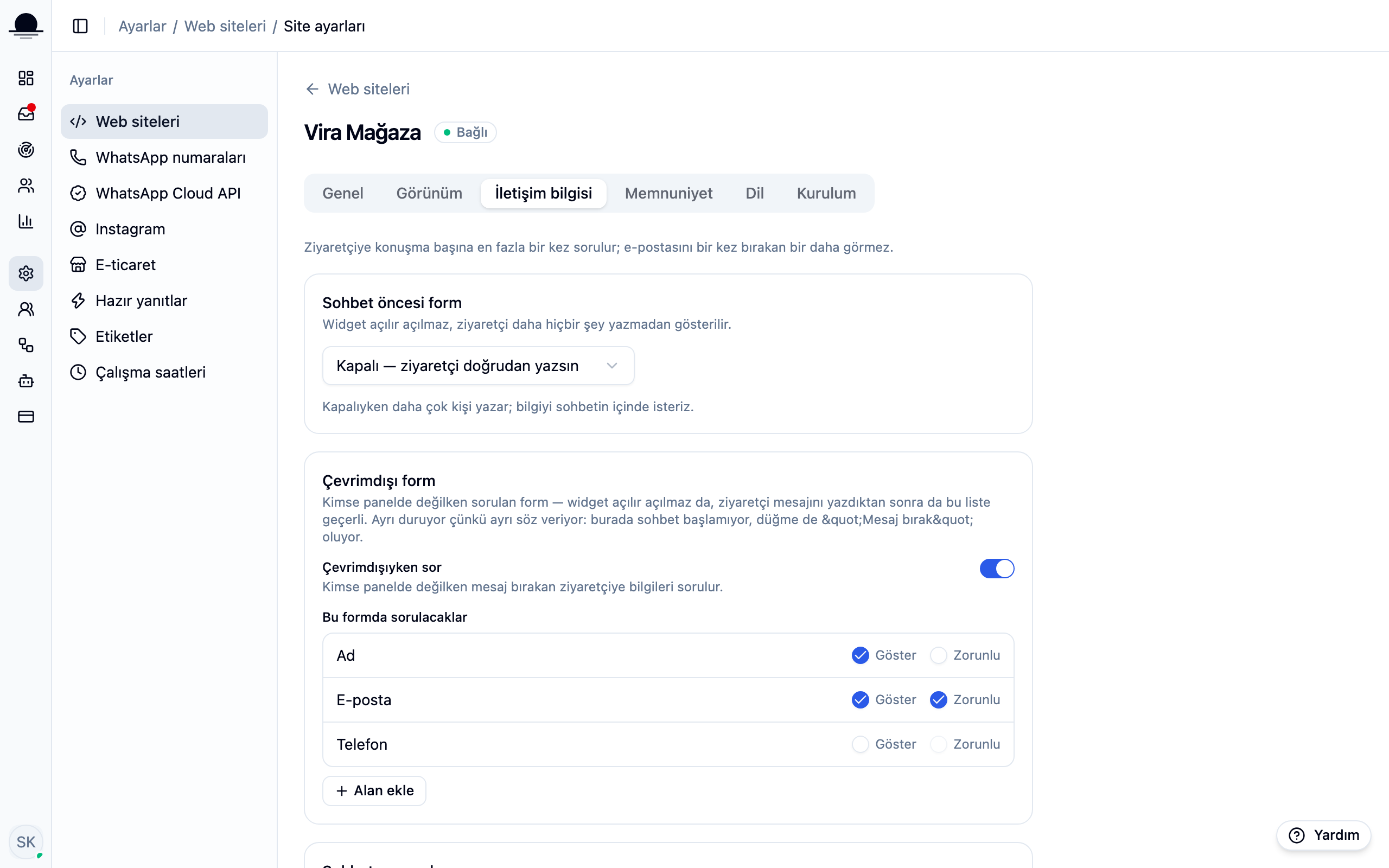
Under Settings → Websites, open your site and switch to Contact details. The page covers three separate moments, and one rule runs through all of them: a visitor is asked at most once per conversation, and someone who has left an email never sees the question again.
Choose the pre-chat form
Three options: off, asked but skippable, or required. Required leaves you better records, but some visitors turn away at the sight of a form. With it off more people write, and you ask inside the conversation instead.
If you are undecided, start with skippable. A week later, count how many conversations came in without an email and tighten it from there.
Decide which fields to ask for
Name, email and phone each have two toggles: Show and Required. Add field lets you ask for your own, like an order number. A field you stop showing drops its required flag on its own.
Say WHY you are asking in the text above the form. A form without a reason does not get filled: one sentence, such as so we can email you the answer, is enough.
Treat the offline form as its own thing
When nobody is available, the box promises a message rather than a chat, and the button reads Leave a message. Its text and fields are kept separate for that reason: asking for an email is more honest here, because that is where the reply goes.
Set up the soft ask mid-conversation
Enter which visitor message it should follow. Leave it at zero and nothing is asked during the chat. Asking once the conversation is going loses fewer people than asking at the door.
Frequently asked
Related guides
No account yet?
The free plan covers 2 users and 200 conversations a month. No credit card.