Site settings
Manage your site and its domains
The site name tells you in the inbox which site someone wrote from; the domain list decides where the box opens. A site that copies your snippet cannot run your widget.
Before you start
- Admin access in the panel
Steps
Name the site on the General tab
The name is for you: it is what tells you in the inbox which site a conversation came from. With more than one site, using the brand your customers know ends the guesswork in the list.
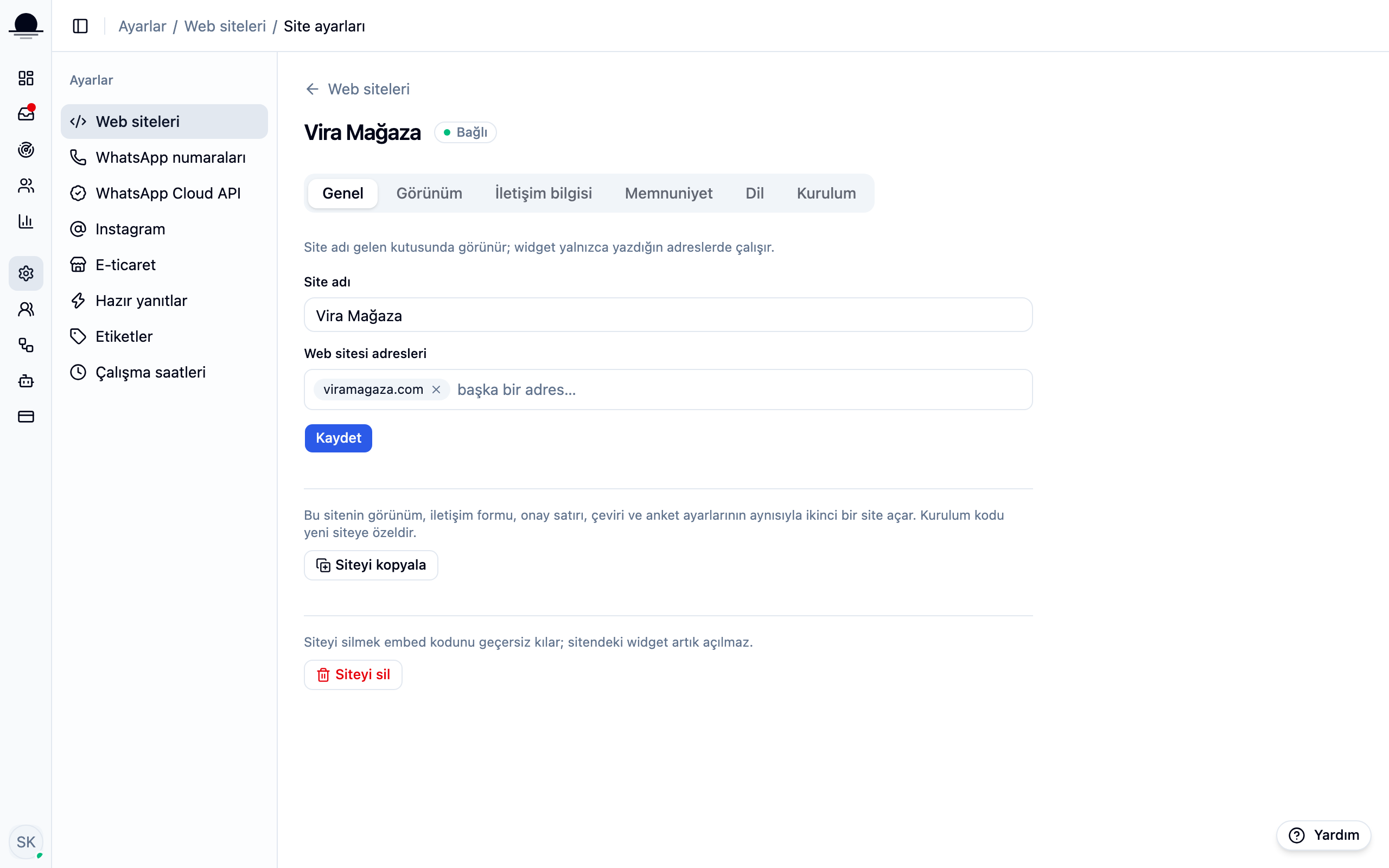
List the addresses the box may open on
Add your domain under website addresses. The box only opens on the addresses in that list, so it never appears on a site that copied your snippet.
Add every address the same site answers on (sirket.com and www.sirket.com, or a campaign domain). On an address you left out, the box quietly stays away.
Register each site separately
One workspace can hold several sites. A separate record means a separate key and a separate look, and revoking one site's snippet leaves the others alone.
Know what deleting does
Deleting a site invalidates its snippet and the box never opens there again. Past conversations and contacts are not deleted; they stay in the inbox. Remember to remove the snippet from your pages too.
Frequently asked
Related guides
No account yet?
The free plan covers 2 users and 200 conversations a month. No credit card.