Password reset
If you forgot your password
The Forgot password link on the sign-in screen asks for your email address and sends a reset link. The link is good for one hour.
Before you start
- Access to your account's email address
Steps
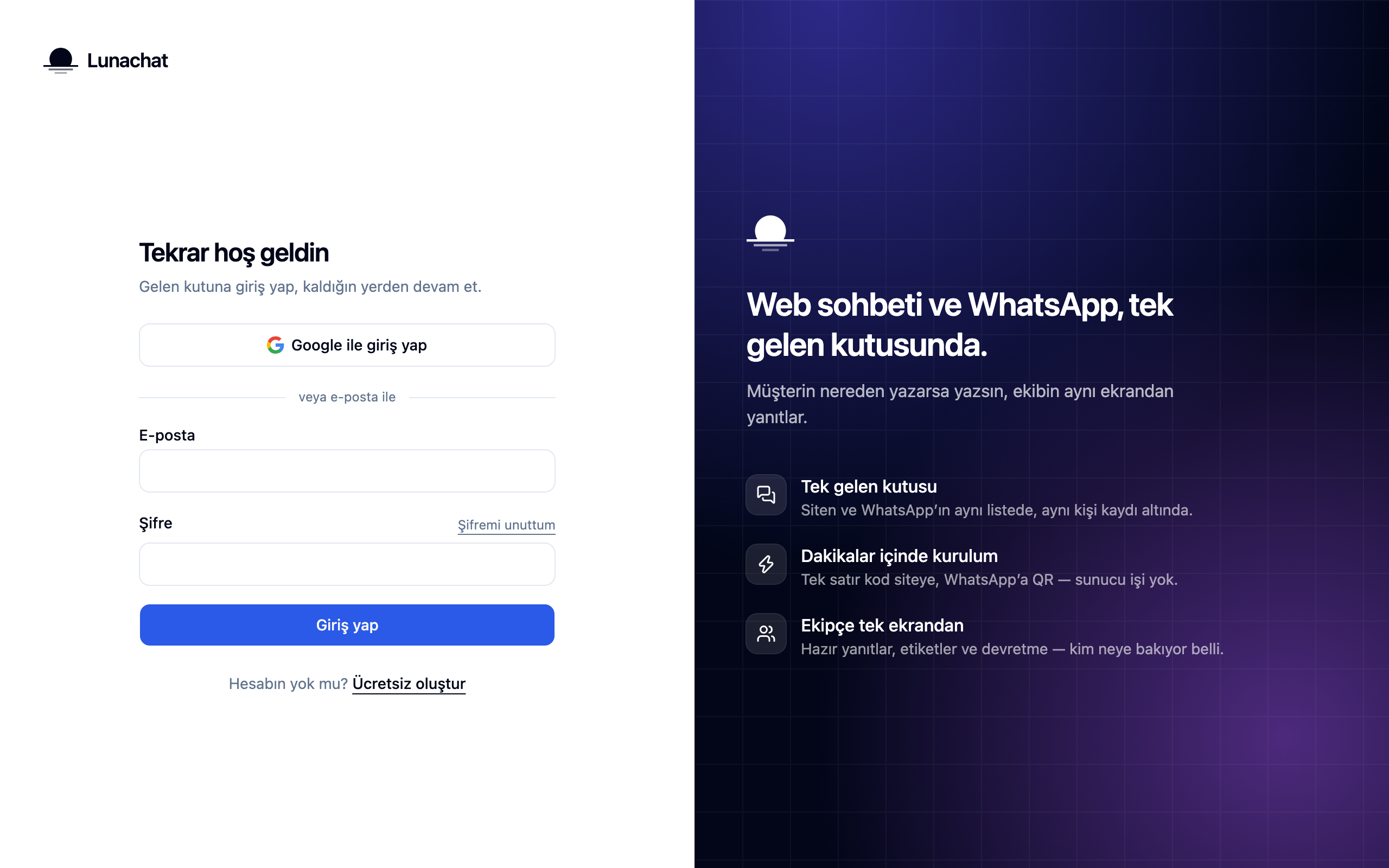
Click Forgot password on the sign-in screen
The link sits right above the password field. If you signed up with Google you have no password to reset; continuing with Google is all you need.
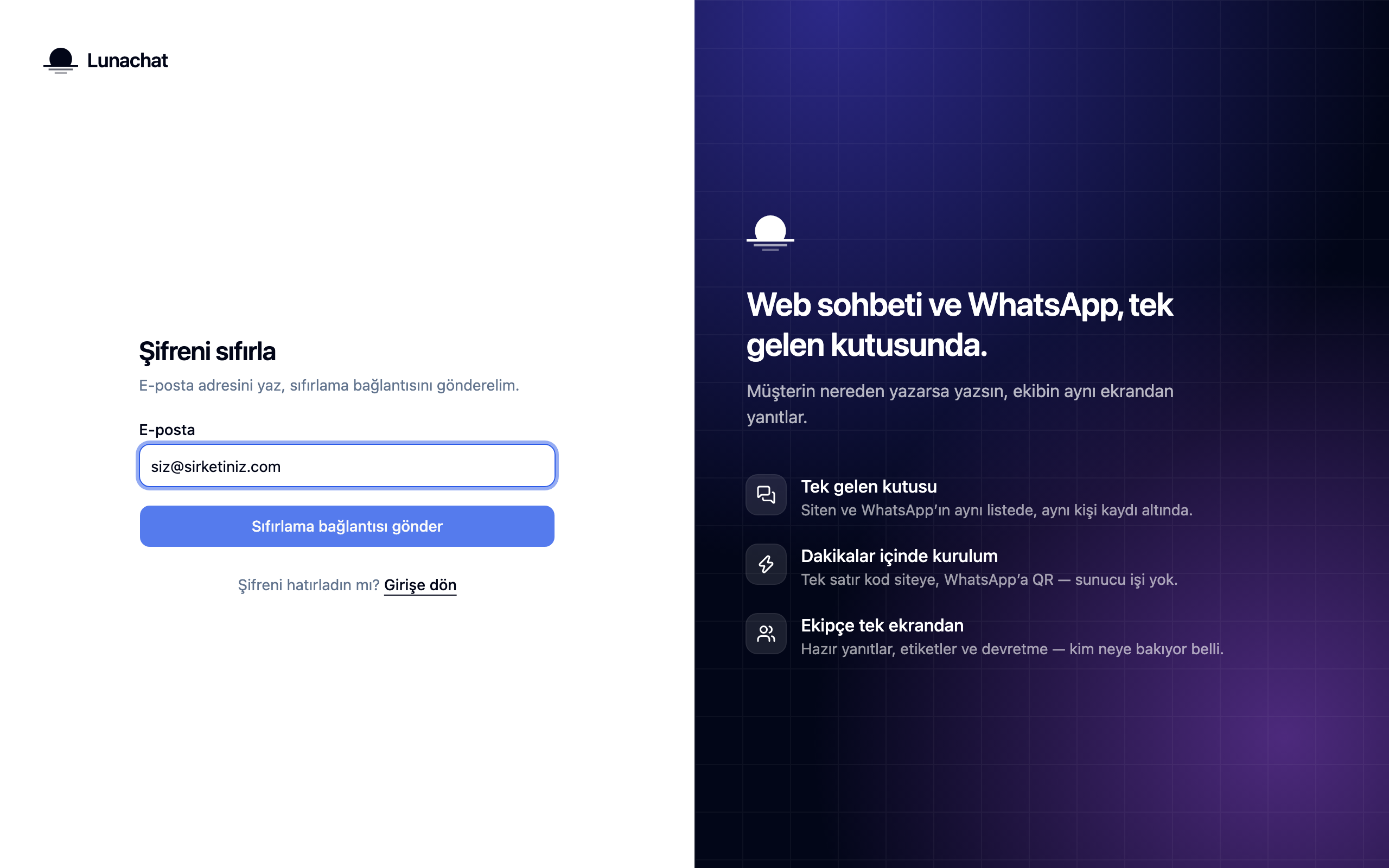
Enter your email address and ask for the link
Use the address the account is registered to. The screen answers the same way whether or not the address exists, which keeps anyone from learning who has an account here.
Set a new password from the emailed link
The link is valid for one hour and works once. After you set the password you sign in with it, and any other open sessions are closed.
No email? Check the junk folder first. If nothing arrives within a few minutes, make sure the address is right and ask again.
Frequently asked
Related guides
No account yet?
The free plan covers 2 users and 200 conversations a month. No credit card.